
chunk_id (with a character offset and length), so the UI can underline the cited span, link to the source document, and let users click through to the original PDF page.
A workspace chat answer with grounded numeric citations next to every fact.
Why this matters
How they’re produced
POST /v1/threads/{thread_id}/stream returns Server-Sent Events. Two event types matter:
message_delta— incremental text the model is typing.citation— a structured pointer:{chunk_id, start_char, length, quote}.
Stream and render citations
The citation envelope
Resolve a citation to its source
Once you have achunk_id, you can fetch the chunk plus its parent document and page:
bbox (bounding box) lets you highlight the exact region on the rendered PDF page, so a user clicking a citation jumps not only to the right page but to the right paragraph.
What the end user sees
In the Knowledge Stack chat workspace, citations render as small numbered badges next to every factual claim. Click a badge → side panel opens to the source chunk → click the chunk → the PDF opens at the highlighted region.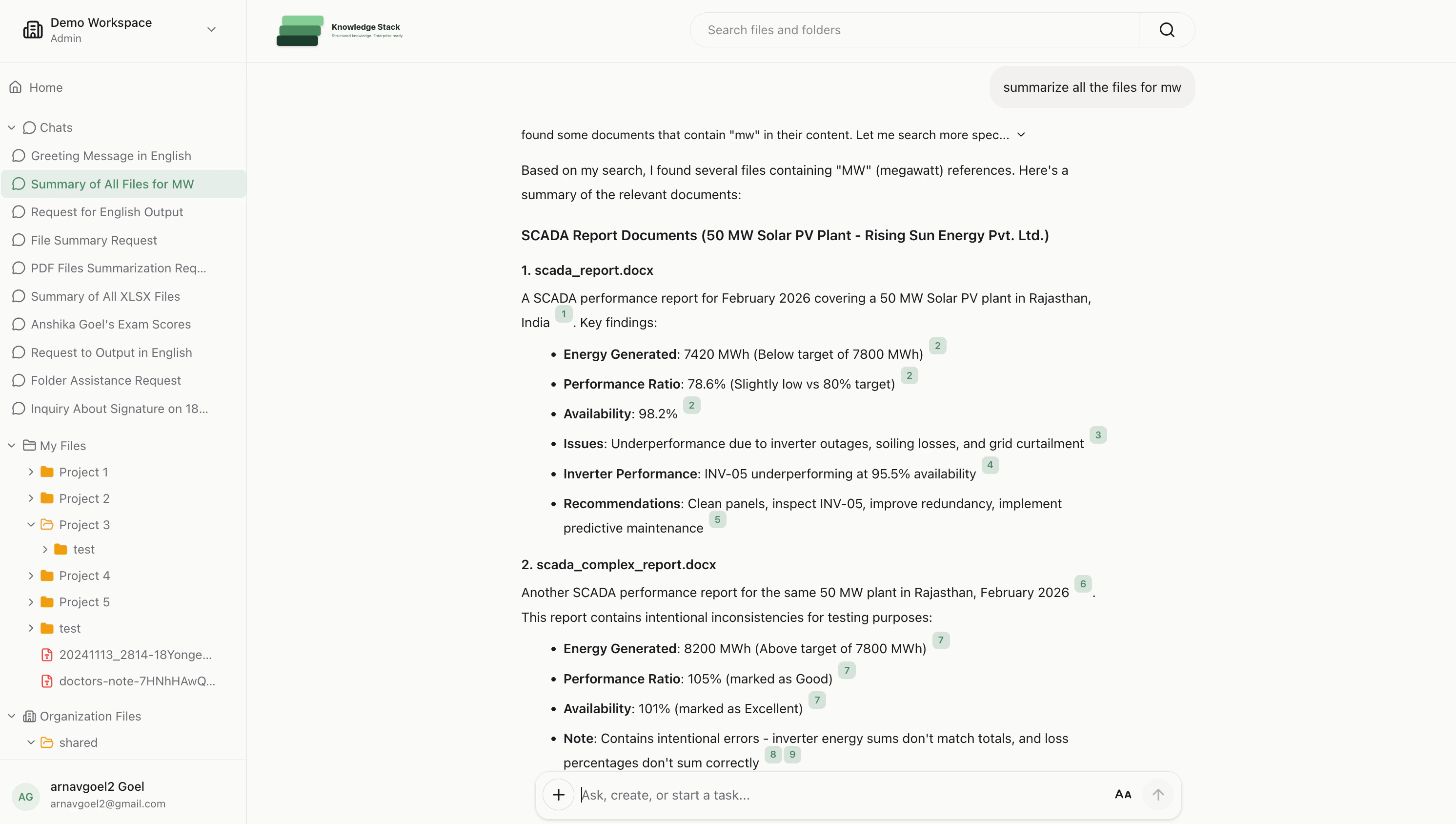
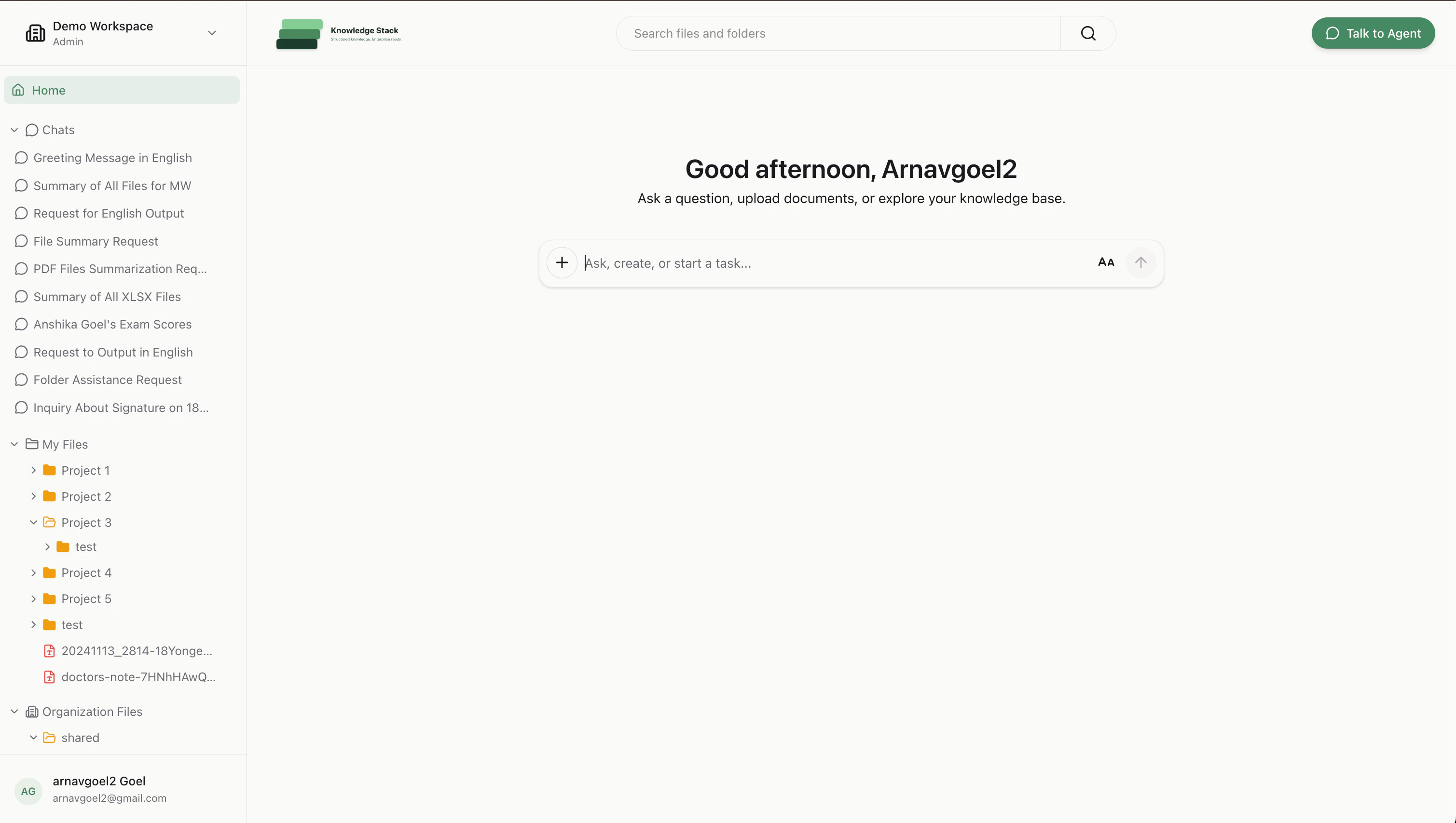
The same workspace home where users start every conversation that produces these citations.
Design tips
- Don’t drop citations — if the model returns a claim with no citation, treat it as low-confidence. Surface it in the UI.
- Render citations as you stream — don’t buffer the whole message. Users gain trust when they see the citation appear with the claim.
- Keep the quote short —
quoteis meant for tooltips and underlines, not for the citation panel. For the panel, fetch the full chunk via/v1/chunks/{chunk_id}. - Respect authorization — citations only ever point to chunks the requesting user is authorized to read; no extra filtering needed on your side.
Recipes
RAG with citations
Full example: stream answers, render citations, link back to source PDFs.
Streaming chat UI
Next.js + assistant-ui front end consuming
/threads/{id}/stream.